High-Volume Bulk Speed
Powered by DynamoDB caching for instant load times, regardless of catalog size. Run bulk edits across 100k+ products without freezing the workflow.
CatalogIQ brings bulk edits, precise targeting, import/export workflows, image operations, price scheduling, and governance into one embedded Shopify workspace.
Powered by DynamoDB caching for instant load times, regardless of catalog size. Run bulk edits across 100k+ products without freezing the workflow.
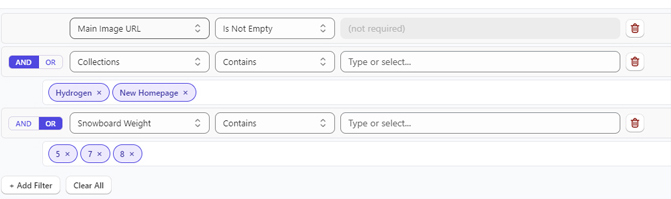
CatalogIQ lets teams target bulk edits with filters, selections, and product or variant-level data rules without breaking ownership boundaries.
Move from manual edits to repeatable workflows for imports, image updates, pricing changes, and governed catalog changes.
CatalogIQ gives merchandising and operations teams the controls to target the right products, apply updates quickly, and keep work visible across bulk edits, imports, images, pricing, and governance.
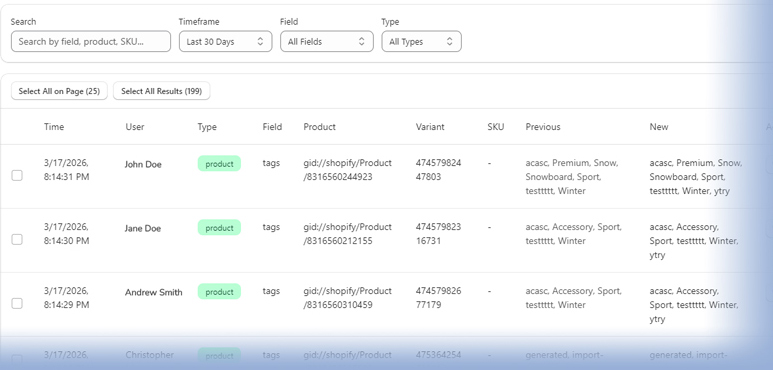
Build logic-driven queries, preview the exact product scope, bulk-select rows, and update standard fields or metafields from one embedded workflow. Activity history keeps teams oriented after large catalog updates.
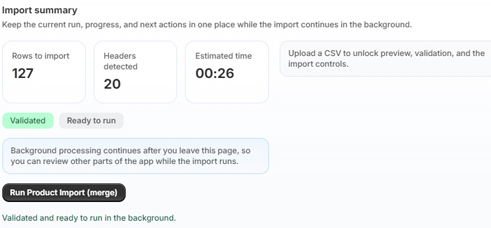
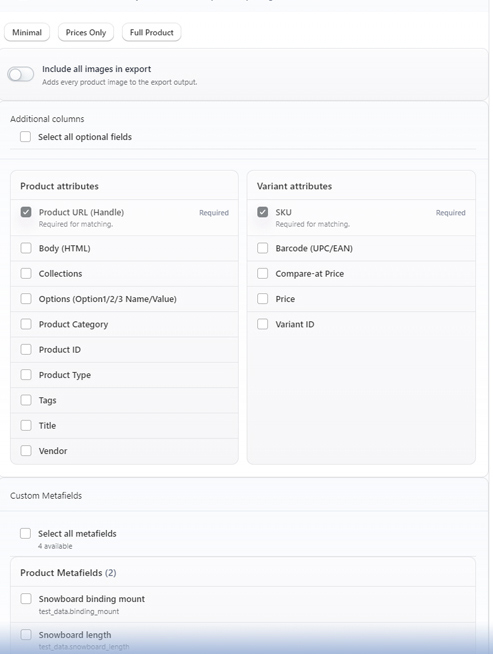
Move catalog data in and out of CatalogIQ without turning every update into a manual spreadsheet project. Export product data for review, import corrected files, and validate rows before applying changes.
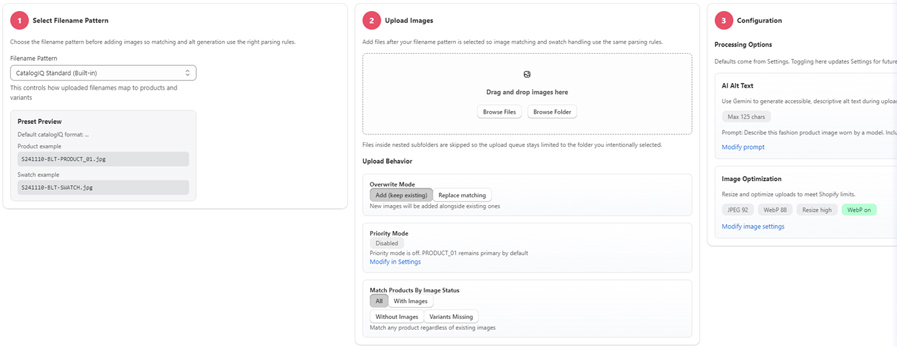
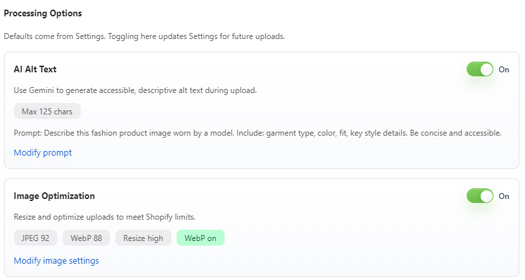
Upload product imagery in bulk, match files to the right products or variants, optimize image operations, and generate AI-assisted alt values so catalog imagery stays useful and consistent.
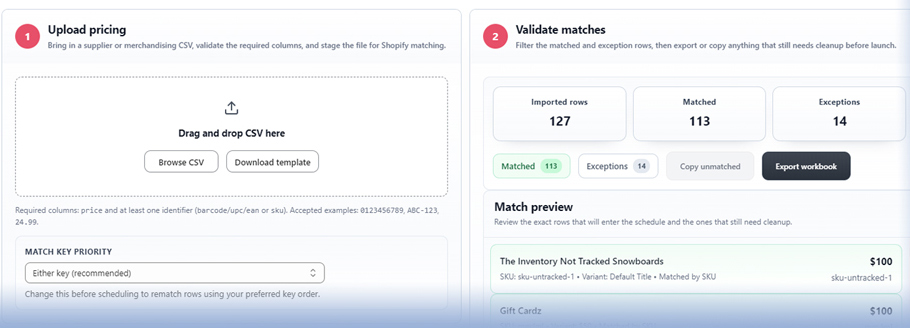
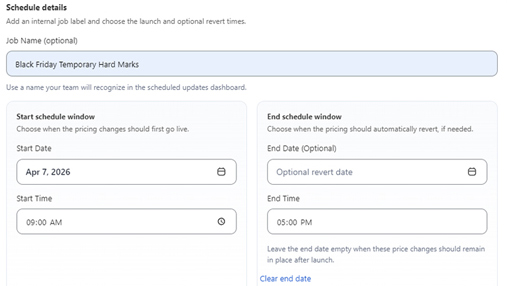
Prepare future price updates ahead of launch windows instead of relying on manual edits at the exact moment a promotion or catalog change needs to go live.
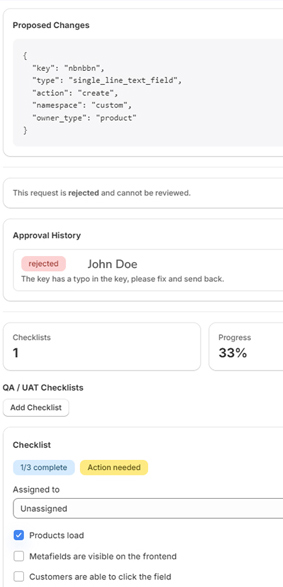
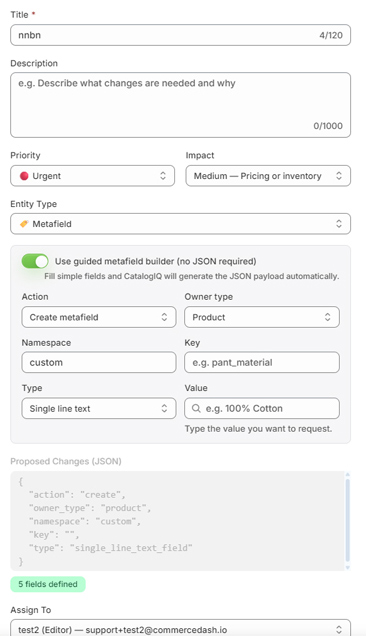
For teams that need oversight, CatalogIQ adds governed change requests, approvals, policies, audit logs, and QA workflows before sensitive catalog updates reach Shopify.